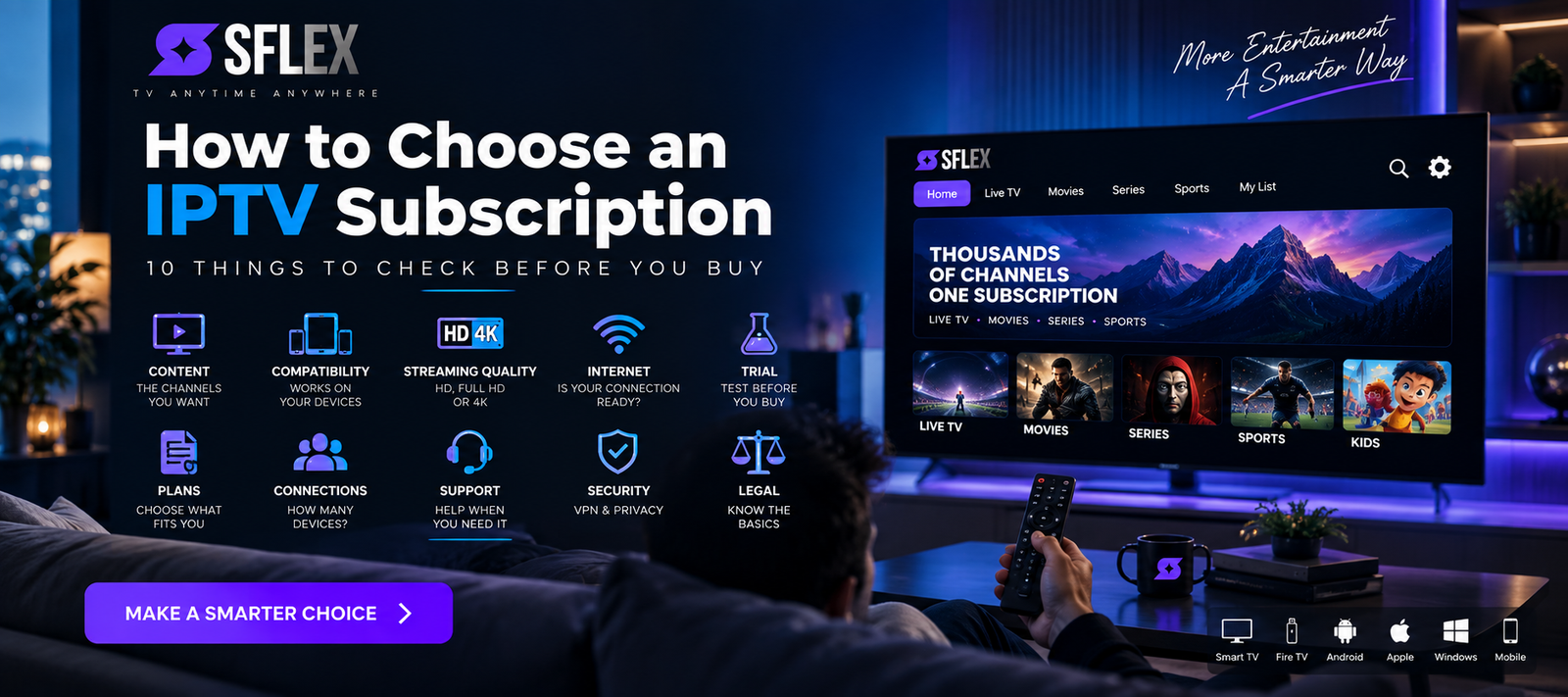
Choosing an IPTV subscription isn’t just about finding the provider advertising the most channels or the lowest price.
The service needs to work with your device, internet connection and viewing habits. Streaming quality, available content, support, subscription length and the ability to test the service can all matter more than an impressive number on a sales page.
If you’re completely new to internet television, our complete beginner’s guide to IPTV explains the basics before you start comparing subscriptions.
Already understand IPTV? Here are 10 things to check before buying an IPTV subscription.
1. Check the Content You Actually Want
Start with what you actually watch.
A service might advertise a very large content library, but that number isn’t particularly useful if the channels, sports, movies or series you’re interested in aren’t available.
Think about your normal viewing habits.
Do you primarily watch live TV? Are live sports important? Do you watch more movies and series than television? Do you need international programming or entertainment in a particular language?
Look at the available categories rather than choosing solely based on a headline channel count.
Also consider how easy the content is to navigate. A smaller, well-organized selection can sometimes be more useful than a huge library that’s difficult to browse.
The objective is simple: choose based on what you’ll actually watch.
2. Make Sure Your Device Is Compatible
Before paying, check whether the service works with the device you intend to use.
Depending on the IPTV service and player, compatible devices can include Smart TVs, Amazon Fire TV devices, Android TV, Google TV, Apple TV, smartphones, tablets, computers and dedicated streaming boxes.
This check is especially important with Smart TVs because different television manufacturers use different operating systems and app stores.
Don’t assume that an application available on Android TV will automatically be available on every Samsung or LG television.
If you’re unsure about your device, check the SmartersFlex IPTV installation guides before choosing your subscription.
That allows you to understand the setup process before paying.
3. Don’t Judge Streaming Quality by “4K” Alone
Seeing HD, Full HD or 4K on a product page doesn’t tell you everything about the viewing experience.
Resolution matters, but so does stability.
A sharp stream that freezes repeatedly isn’t particularly useful.
When evaluating an IPTV service, consider:
- Picture clarity
- Channel loading time
- Playback stability
- Audio/video synchronization
- Performance during longer viewing sessions
- Performance at the times you normally watch
Also remember that quality can vary between individual streams. A service supporting 4K doesn’t necessarily mean every channel or programme is available in 4K.
Consistency matters alongside resolution.
4. Make Sure Your Internet Is Ready
IPTV depends on your internet connection, so your home network is part of the experience.
As a general reference, you might want approximately:
| Streaming quality | Practical connection target |
|---|---|
| SD | 5+ Mbps |
| HD | 10+ Mbps |
| Full HD | 15–25+ Mbps |
| 4K UHD | 25–50+ Mbps |
These aren’t universal guarantees. Actual bandwidth requirements depend on bitrate, compression and the individual stream.
More importantly, don’t look only at your internet provider’s advertised maximum speed.
If your router receives 500 Mbps but your Smart TV has a weak Wi-Fi connection, your television may receive substantially less.
Other devices also share your bandwidth.
Game downloads, video calls, cloud backups and other streaming services can all affect how much bandwidth remains available.
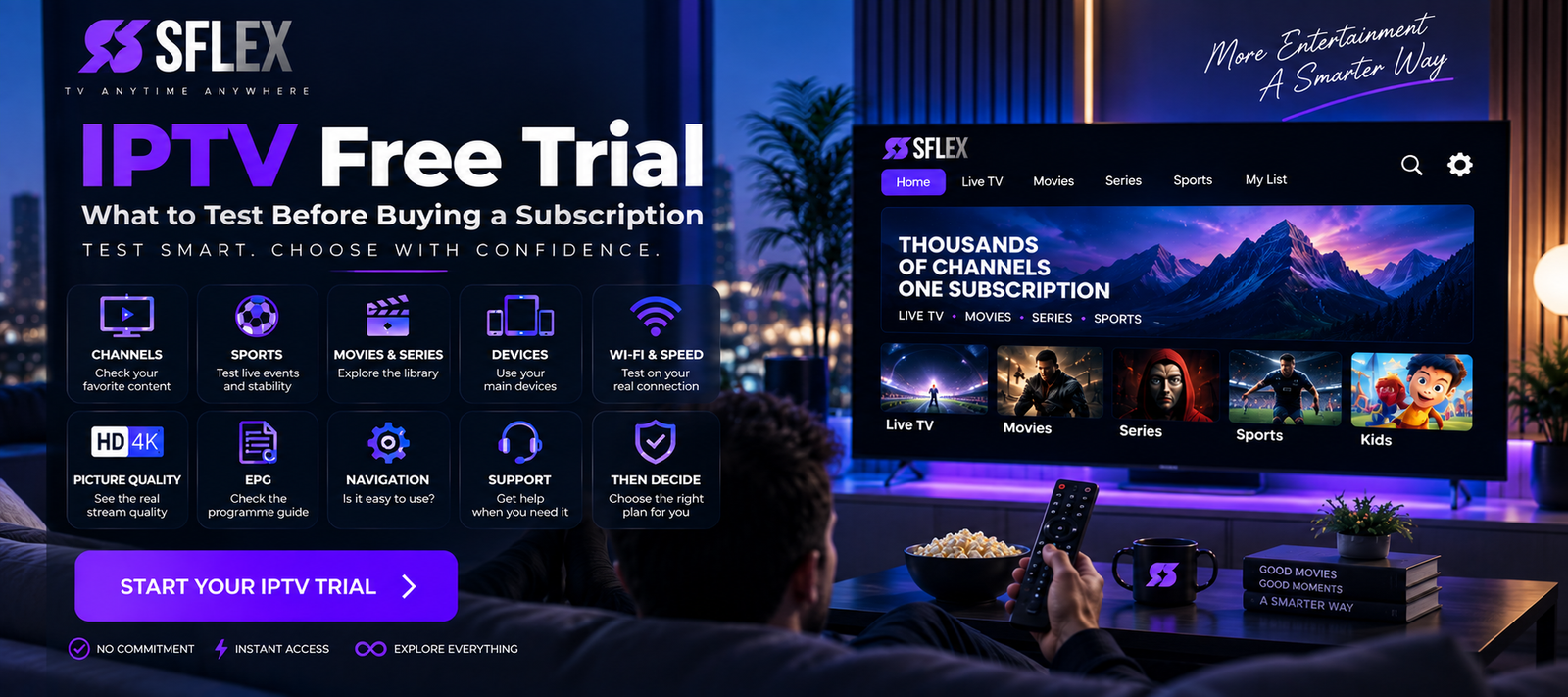
5. Use an IPTV Trial When Available
This is one of the most important checks before committing to a longer subscription.
A provider’s website can describe its service, but it can’t tell you exactly how that service will perform on your television, your Wi-Fi and your internet connection.
That’s where an IPTV trial becomes useful.
During a trial, don’t simply open one channel and close it.
Test:
- Your preferred live channels
- Sports if they’re important to you
- Movies and series
- Picture quality
- Channel switching
- Navigation
- Your primary streaming device
- Wi-Fi performance
- Streaming stability
Ideally, test during the hours you normally watch television.
The objective isn’t merely to determine whether the service “works.” You want to know whether the experience fits the way you watch.
6. Compare Subscription Lengths Carefully
Once you’ve tested a service, compare its subscription options.
Longer subscriptions may offer a lower effective monthly cost, while shorter subscriptions provide greater flexibility.
Neither is automatically the right choice.
A new customer who hasn’t used a service before may value flexibility more than the lowest possible monthly price.
Someone who has already tested the service and knows it suits their setup may feel differently.
SmartersFlex offers different subscription periods, allowing customers to choose according to their preferred commitment.
You can compare the current SmartersFlex IPTV subscription plans before deciding.
A sensible process is:
Test → Evaluate → Compare → Subscribe
rather than choosing the longest plan simply because it appears to offer the biggest saving.
7. Check Device and Connection Limits
This detail is easy to overlook.
Being able to install IPTV on multiple devices doesn’t necessarily mean you can watch simultaneously on all of those devices.
Those are two different things.
Before purchasing, check how many simultaneous connections the subscription actually permits.
This becomes particularly important in households where several people may want to watch different content at the same time.
If this information isn’t clear, ask the provider before purchasing rather than assuming.
8. Check the Setup and Support Options
You may not need help when everything works correctly.
Support becomes important when it doesn’t.
Before choosing a provider, look at what help is available for:
- Initial installation
- Account configuration
- Device setup
- Login problems
- Playback issues
- Subscription questions
Good self-service documentation is valuable too.
If you’re using SmartersFlex, bookmark the IPTV installation guides so you have device-specific setup information available when you need it.
9. Understand the Subscription Terms
Don’t skip the details simply because you’re eager to start streaming.
Before checkout, understand:
- Subscription duration
- Renewal method
- Number of included connections
- Trial conditions
- Cancellation terms
- Refund terms
- Available payment methods
- What happens when the subscription expires
You should know exactly what you’re purchasing before making a payment.
Pay particular attention to whether a subscription renews automatically or requires manual renewal.
10. Consider Licensing and Applicable Laws
IPTV describes a technology for delivering television and video using internet networks.
The technology itself doesn’t determine whether every service or individual stream is authorized.
Content rights and licensing matter, and applicable rules can vary by jurisdiction.
When evaluating any IPTV service, consider the provider’s terms and information about its service. If you have questions about whether particular content can legally be accessed where you live, check the applicable local rules.
The fact that two services both use the term “IPTV” doesn’t mean they operate identically.
What About Using a VPN With IPTV?
Some viewers use VPNs for privacy or network-security reasons.
A VPN isn’t inherently required for IPTV, and it can affect connection performance because traffic is routed through an additional server.
Free VPNs deserve particular caution because they can come with speed limits, data restrictions, overloaded servers or different privacy models.
If you’re considering one, read our guide explaining why you should be careful with free VPNs for IPTV before deciding.
Should You Test IPTV Before Buying a Longer Plan?
When a trial is available, it gives you something specifications can’t: information about your own setup.
You can find out whether IPTV works properly on your television, whether your Wi-Fi is strong enough and whether you like the navigation and content organization.
That’s particularly valuable before choosing a longer subscription.
During your test, ask yourself:
Does it work well on my main device?
Can I find the content I want?
Is picture quality suitable for my television?
Is playback stable during my normal viewing hours?
Do I find the interface easy to use?
If those answers meet your expectations, you can make a much more informed subscription decision.
IPTV Subscription Buying Checklist
Before paying, check these 10 points:
- The content you want is available.
- Your preferred device is compatible.
- Streaming quality meets your expectations.
- Your internet connection is suitable.
- You’ve tested the service when a trial is available.
- The subscription length suits you.
- You understand the connection/device limits.
- Setup and support options are clear.
- You’ve read the subscription and renewal terms.
- You’ve considered relevant licensing and local requirements.
Don’t choose based on a single number or feature.
Choose based on the overall experience you’ll actually use.
Frequently Asked Questions About IPTV Subscriptions
What should I look for when choosing an IPTV subscription?
Consider content availability, device compatibility, picture quality, streaming stability, internet requirements, connection limits, customer support, subscription terms and whether you can test the service before committing.
Is a longer IPTV subscription better?
Not automatically. Longer plans may provide better value over time, while shorter subscriptions provide greater flexibility. Consider testing the service first before making a longer commitment.
Can I use IPTV on a Smart TV?
Many Smart TVs can use compatible IPTV applications, although availability varies by television platform. Check the SmartersFlex installation guides for device-specific information.
Is 4K important when choosing IPTV?
4K can provide higher picture quality on compatible content and displays, but stability, bitrate, internet performance and the quality of the original stream also matter.
Should I use an IPTV trial first?
When available, a trial can be useful because it lets you test the service with your own internet connection and device before choosing a longer subscription.
Do I need a VPN for IPTV?
Not inherently. Some people choose a VPN for privacy or network-security reasons. Using one can also affect connection speed and latency.
Ready to Compare Your Options?
Choosing an IPTV subscription becomes easier when you stop focusing solely on headline numbers and start evaluating what matters for your own setup.
Check your device. Test your internet. Look for the content you actually watch. Understand the subscription terms. And when possible, test before making a longer commitment.
Once you’re ready, explore the SmartersFlex IPTV subscription plans and choose the option that fits the way you want to watch.