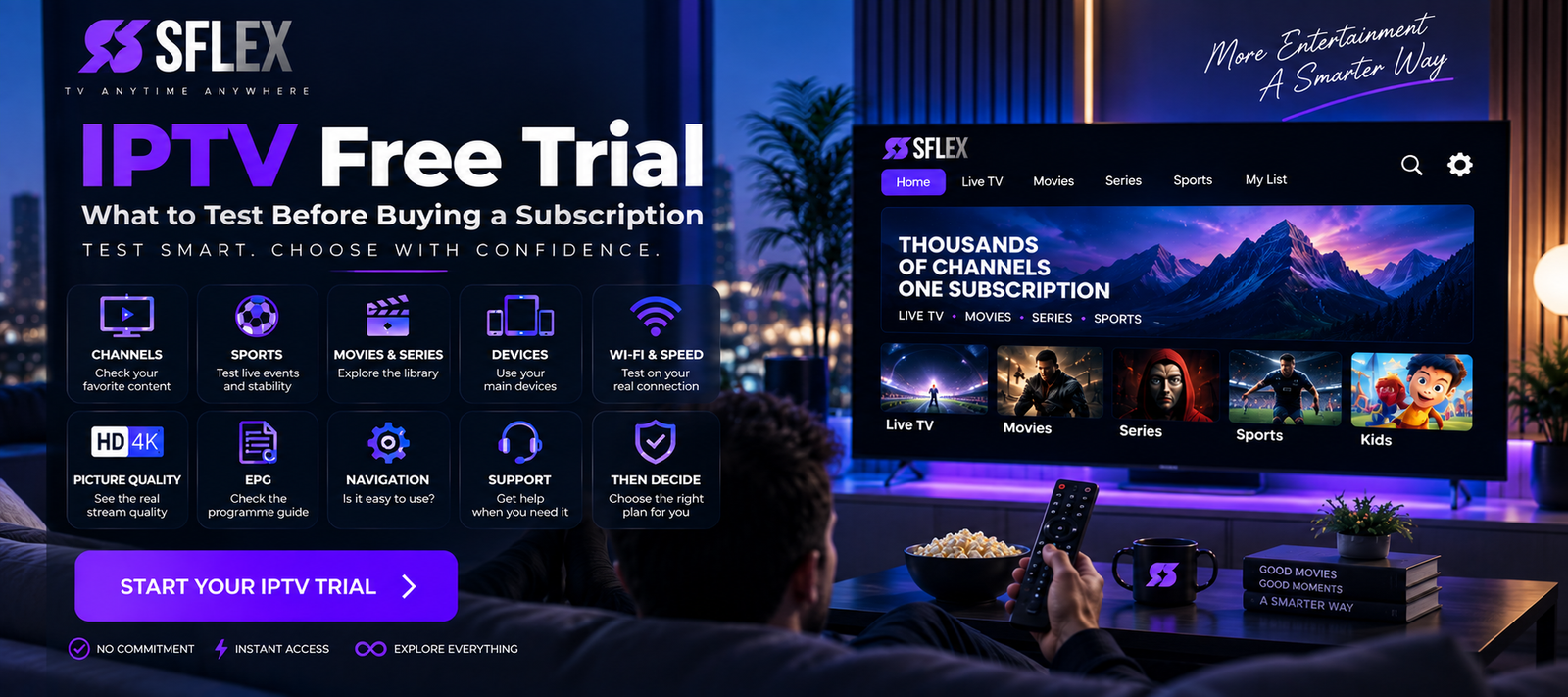
An IPTV free trial can tell you much more than whether a service simply loads.
It gives you an opportunity to test IPTV using your own internet connection, television or streaming device before deciding whether a paid subscription is right for you.
But there’s a problem: many people don’t make proper use of the trial.
They activate it, watch two channels for five minutes and decide whether the entire service is good or bad.
Instead, treat your trial like a real-world test.
Check the content you actually watch, use the device you’ll normally use, test your Wi-Fi, explore the interface and see how playback performs during your normal viewing hours.
If you’re completely new to IPTV, read our complete beginner’s guide to IPTV before starting.
Then use this checklist to get maximum value from your IPTV trial.
1. Test the Content You Actually Watch
Don’t waste your trial randomly opening hundreds of channels.
Start with your normal viewing habits.
Depending on what matters to you, check:
- Live television
- Sports
- News
- Movies
- TV series
- Kids’ entertainment
- International television
- Content in your preferred language
If you rarely watch news, spending half the trial testing news channels tells you very little about whether the subscription is right for you.
Test the experience you’re actually considering buying.
2. Test More Than One Channel
Never judge an IPTV service based on one stream.
Open several channels from different categories.
For example, test entertainment, news and sports, then compare the experience.
Pay attention to how quickly streams begin playing and whether playback remains stable.
If one stream experiences a problem while everything else works normally, that tells you something very different from every stream having the same problem.
3. Leave a Stream Playing
Channel switching is useful, but it doesn’t test long-term stability.
Choose something you’d genuinely watch and leave it playing.
Look for:
- Repeated buffering
- Freezing
- Unexpected stops
- Audio problems
- Picture-quality changes
A channel loading successfully for 10 seconds doesn’t tell you how it performs over a longer viewing session.
Give your trial enough time to test actual viewing.
4. Test During Your Normal Viewing Hours
This is one of the most valuable things you can do.
If you usually watch television in the evening, test IPTV in the evening.
Why?
Because your network conditions may be different.
Other people in your household might be watching video, gaming, downloading files or making video calls.
Testing at the time you normally watch gives you a more realistic picture of what everyday use might be like.
5. Use the Device You’ll Actually Watch On
If you’re planning to watch IPTV primarily on a Smart TV, don’t conduct the entire trial on your smartphone.
Test your actual setup.
Depending on compatibility, that might be:
- Smart TV
- Amazon Fire TV
- Android TV
- Google TV
- Apple TV
- NVIDIA Shield
- Android phone/tablet
- iPhone/iPad
- Windows PC
- Mac
If you’re unsure how to get started, open the SmartersFlex IPTV installation guides before activating your test.
That way, you don’t spend a large part of your trial trying to understand basic installation.
6. Check Picture Quality on Your Main Screen
Picture quality can look very different on a phone compared with a large television.
That’s another reason to test on the screen you’ll normally use.
Check:
Sharpness: Does the picture look clear at your normal viewing distance?
Motion: Does fast-moving content look smooth?
Consistency: Does picture quality remain stable?
Resolution: Are higher-quality streams available where expected?
Don’t become overly focused on labels.
A “4K” label isn’t useful if the actual viewing experience is unstable.
Judge what you see.
7. Test Live Sports If Sports Matter to You
If sports are a major reason you’re considering IPTV, make sports part of your test.
Sports can also be useful for evaluating streaming performance because fast motion makes some playback problems easier to notice.
Check:
- Sports navigation
- Stream loading
- Picture quality
- Playback stability
- Programme information where available
Don’t buy a sports-oriented subscription after testing only movies and entertainment channels.
Test what matters to you.
8. Explore Movies and Series
Live television isn’t the whole IPTV experience.
If your potential subscription includes movies and series, spend some time exploring the library.
Look at:
- Categories
- Search
- Navigation
- Playback
- Content information
- Organization
Try actually playing several titles.
A huge advertised library doesn’t necessarily mean you’ll enjoy browsing it.
Ease of use matters too.
9. Check the EPG
An Electronic Programme Guide can make live television considerably easier to use.
If EPG information is available, check how it appears on your device.
Look at whether programme information loads correctly and whether moving through upcoming programming feels intuitive.
Also test other navigation features available in your player, such as search and favorites.
These details may seem minor during a short trial, but they become important when using a service regularly.
10. Test Your Wi-Fi Properly
Your IPTV trial is also a test of your home internet setup.
Use the service in the location where you’ll normally watch it.
Your router might provide an excellent connection in one room and much weaker Wi-Fi elsewhere.
If your television is several rooms away, that’s the connection that matters.
Try a speed test near the IPTV device and compare it with a test near your router.
If performance drops significantly, Wi-Fi coverage could be contributing.
11. Compare Wi-Fi With Ethernet
If your streaming device supports Ethernet and a wired connection is practical, test it.
Use the same IPTV content on Wi-Fi and then Ethernet.
If Ethernet performs significantly better, the service itself may not be the reason for the difference.
Your wireless network could be the bottleneck.
This is exactly the kind of information worth discovering before purchasing a longer subscription.
12. Test While Other People Use the Internet
Don’t create perfect laboratory conditions.
You want to know whether IPTV works in your real home environment.
If your household normally has several connected devices, keep using them normally.
Someone might be streaming another video while another person plays a game and a computer downloads an update.
All of that consumes bandwidth.
If IPTV works well under your normal network conditions, that’s much more useful information than a test performed while every other device is disconnected.
13. Try Another Device
Testing another compatible device can help diagnose problems.
Imagine IPTV repeatedly buffers on your Smart TV.
Try the same service on your phone using the same Wi-Fi.
If the phone performs correctly while the TV struggles, investigate the TV, its Wi-Fi connection or its IPTV application.
If both devices have the same problem, the cause may lie elsewhere.
Device comparison is one of the simplest troubleshooting techniques available.
14. Check the IPTV Player Experience
Remember that the IPTV player and IPTV subscription aren’t necessarily the same thing.
Your player is the application you use to navigate and play the service.
During your trial, ask:
Is navigation easy?
Can I find channels quickly?
Does search work well for me?
Are favorites easy to manage?
Do movies and series load correctly?
Is the interface comfortable on my device?
The service could contain the content you want but still feel inconvenient if you dislike the player you’re using.
15. Test With and Without a VPN if You Use One
If you normally use a VPN, test your setup under realistic conditions.
VPNs route traffic through another server, which can sometimes affect speed and latency.
Compare performance where appropriate.
If IPTV works well without the VPN but performs poorly when connected, investigate your VPN server or configuration rather than immediately blaming the IPTV service.
And be careful when choosing free VPN services. Our guide to free VPNs for IPTV and their potential drawbacks explains some of the speed, data and privacy considerations.
16. Look at the Available Support
Don’t wait until after purchasing to discover how support works.
During your trial, identify:
- Where setup instructions are located
- How support can be contacted
- Whether device guides are available
- Where account questions should be sent
You don’t need to invent a problem simply to test support.
Just make sure you know where help is available.
For setup questions, the SmartersFlex installation guides are a useful starting point.
17. Don’t Buy Based Only on Channel Numbers
This deserves repeating.
Suppose Service A advertises 20,000 channels and Service B advertises 30,000.
That doesn’t automatically make Service B better for you.
You might regularly watch only 20 channels.
Instead, evaluate:
Does it have what I watch?
Does it work on my device?
Is playback stable for me?
Can I navigate it comfortably?
Those questions are much closer to the actual buying decision.
IPTV Free Trial Checklist
Before your trial ends, go through this checklist:
| What to test | Checked |
|---|---|
| Your favorite live TV | ☐ |
| Multiple channels | ☐ |
| Sports | ☐ |
| Movies | ☐ |
| Series | ☐ |
| Picture quality | ☐ |
| Longer playback | ☐ |
| EPG | ☐ |
| Search/navigation | ☐ |
| Main streaming device | ☐ |
| Wi-Fi | ☐ |
| Ethernet if available | ☐ |
| Normal viewing hours | ☐ |
| Another compatible device | ☐ |
| VPN if you use one | ☐ |
| Setup/support resources | ☐ |
Don’t rush through this list.
The point of an IPTV trial isn’t to watch as much free content as possible.
It’s to answer one question:
Does this service fit the way I actually watch?
IPTV Free Trial vs Buying Immediately
It’s tempting to skip testing and immediately choose the longest plan because it appears to offer better value.
But price isn’t the only consideration.
Before making a longer commitment, you ideally want to know whether:
- Your device works correctly
- Your internet connection is suitable
- You like the content selection
- Streaming performance meets your expectations
- You can navigate the service comfortably
A trial gives you an opportunity to answer those questions.
Once you’re satisfied, compare the available SmartersFlex IPTV subscription plans and decide which subscription period fits your needs.
Frequently Asked Questions About IPTV Free Trials
What is an IPTV free trial?
An IPTV free trial provides temporary access that lets prospective users evaluate an IPTV service before choosing a paid subscription.
What should I test during an IPTV free trial?
Focus on your preferred channels and content, picture quality, playback stability, device compatibility, Wi-Fi performance, navigation and performance during your normal viewing hours.
Should I test IPTV on my phone or TV?
Test primarily on the device you intend to use after purchasing. Testing a second device can also be useful for troubleshooting.
Should I test IPTV at night?
If evening is when you normally watch television, yes. Testing under your normal viewing conditions gives you more relevant information.
Should I test sports during an IPTV trial?
If sports are important to you, absolutely. Your trial should reflect the content you’ll actually watch after purchasing.
Does IPTV work over Wi-Fi?
IPTV can work well over a stable Wi-Fi connection. Performance depends on factors such as signal strength, available bandwidth, interference and network congestion.
Should I use Ethernet when testing IPTV?
If Ethernet is available, comparing it with Wi-Fi can be useful. A substantial improvement over Ethernet can indicate that your wireless connection is contributing to performance issues.
Should I use a VPN during an IPTV trial?
If you normally intend to use one, testing it can help you understand its impact on your setup. A VPN isn’t inherently required for IPTV and can sometimes affect connection performance.
Test First. Then Choose Your Plan.
An IPTV trial is most valuable when you use it to make a purchasing decision—not simply as a few hours of free television.
Test your normal content.
Use your real device.
Watch during your normal hours.
Check picture quality and stability.
Test your network.
Explore the interface.
Then decide whether the experience meets your expectations.
If you’re ready to compare subscription options after testing, explore the SmartersFlex IPTV subscription plans.