
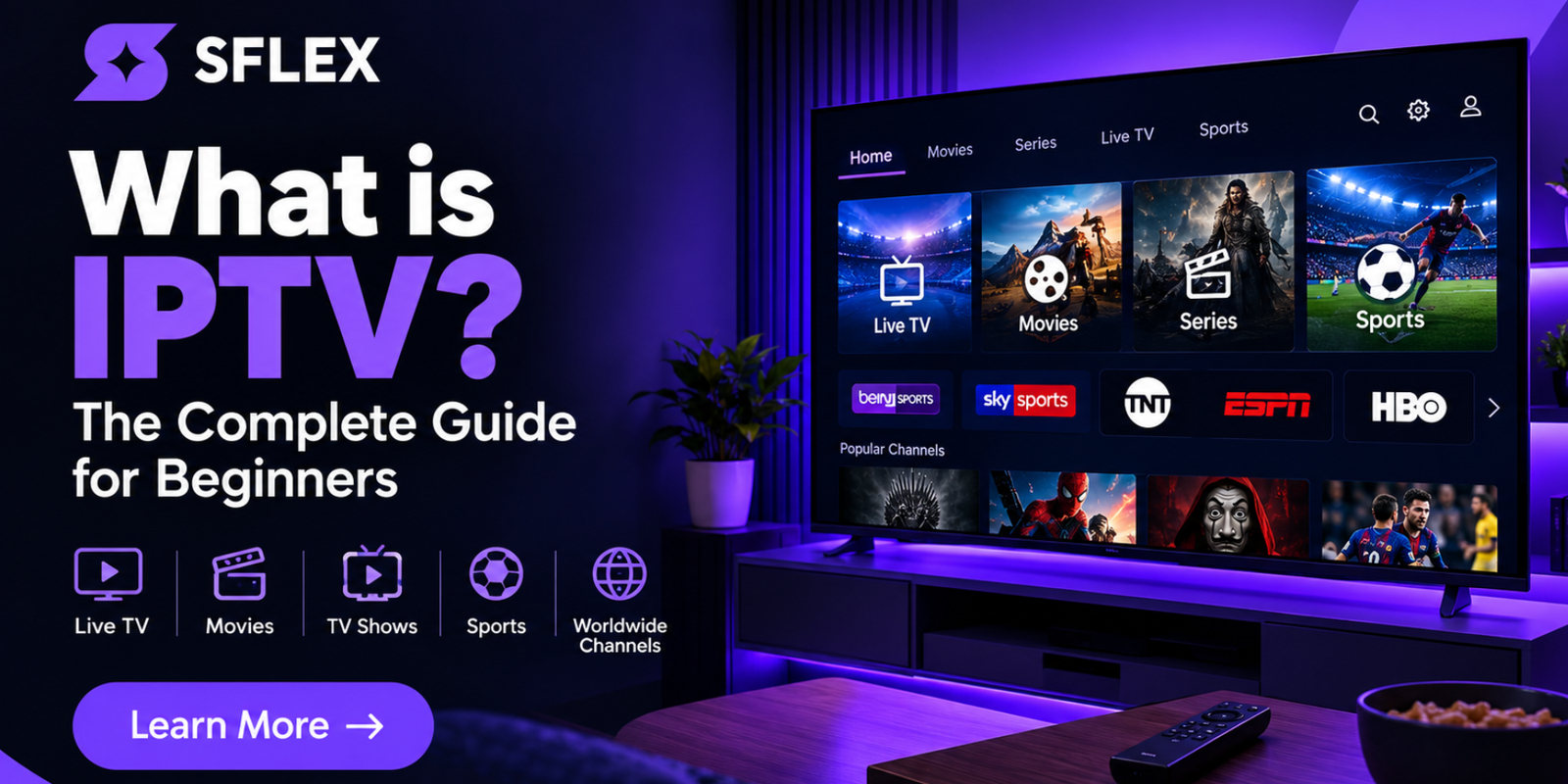
IPTV has become a popular way to watch live television, movies and series through an internet connection. But what exactly is IPTV, how does it work, and what do you need to start watching?
In this beginner-friendly guide, we’ll explain what IPTV is, how IPTV streaming works, which devices can be used, how internet speed affects streaming, and what to consider when choosing an IPTV service in the UK, Malta and Europe.
What Is IPTV?
IPTV stands for Internet Protocol Television. It is a technology that allows television and video content to be delivered through an IP network, typically using an internet connection.
Unlike traditional television services that may rely on satellite, cable or terrestrial broadcasting, IPTV delivers video content through an internet connection to a compatible application and device.
Depending on the provider, IPTV services can offer different types of content, including live television, sports, movies, TV series and on-demand programming.
If you’re completely new to IPTV, you can also read our IPTV and streaming guide for additional information about IPTV-related topics.
How Does IPTV Work?
IPTV works by transmitting video data through an internet connection. When you select a television channel, movie or series, the relevant video stream is delivered to your compatible device.
An IPTV application or player processes the stream and displays it on your television, smartphone, tablet, computer or another supported device.
The basic IPTV process looks like this:
IPTV Service → Internet Connection → IPTV Player → Compatible Device → Television Screen
This is why having a reliable internet connection and a compatible device is important for a smooth IPTV experience.
What Do You Need to Watch IPTV?
Getting started with IPTV is relatively straightforward. You generally need an internet connection, a compatible device and an IPTV application or player.
1. A Reliable Internet Connection
IPTV uses your internet connection to deliver video content. A stable connection is therefore important, particularly when watching high-resolution content.
2. A Compatible Device
Depending on the service and application, IPTV can be used on many different devices.
3. An IPTV Player or Application
You may need an IPTV player to access your subscription on your chosen device. The application you use depends on your device and the IPTV service.
For detailed setup instructions, visit the SmartersFlex IPTV Installation Guides .
Which Devices Support IPTV?
One of the main advantages of IPTV is the wide range of compatible devices available. SmartersFlex provides installation information for several popular platforms.
- Samsung Smart TVs
- LG Smart TVs
- Sony Smart TVs
- Android TV and Android TV boxes
- Amazon Fire TV Stick and Fire TV Cube
- Apple TV and iOS devices
- MAG devices
- NVIDIA Shield
- Formuler devices
- Dreamlink devices
- Mac computers
- Smartphones and tablets
You can find device-specific instructions on our IPTV installation guides page .
The installation guides on SmartersFlex cover Smart TVs, Fire TV devices, Android devices, Apple devices, MAG boxes, NVIDIA Shield, Formuler and other platforms.
IPTV in the UK
IPTV is an increasingly familiar term among television and streaming users in the United Kingdom. Internet-based television allows compatible devices to receive video content through an internet connection.
For UK viewers, the quality of the experience depends on several factors, including the internet connection, device, IPTV application and the service being used.
SmartersFlex focuses heavily on the UK market, with the website offering a dedicated IPTV UK service and information about live television, sports, movies and series.
You can visit the SmartersFlex IPTV homepage to learn more about the available service.
IPTV in Malta
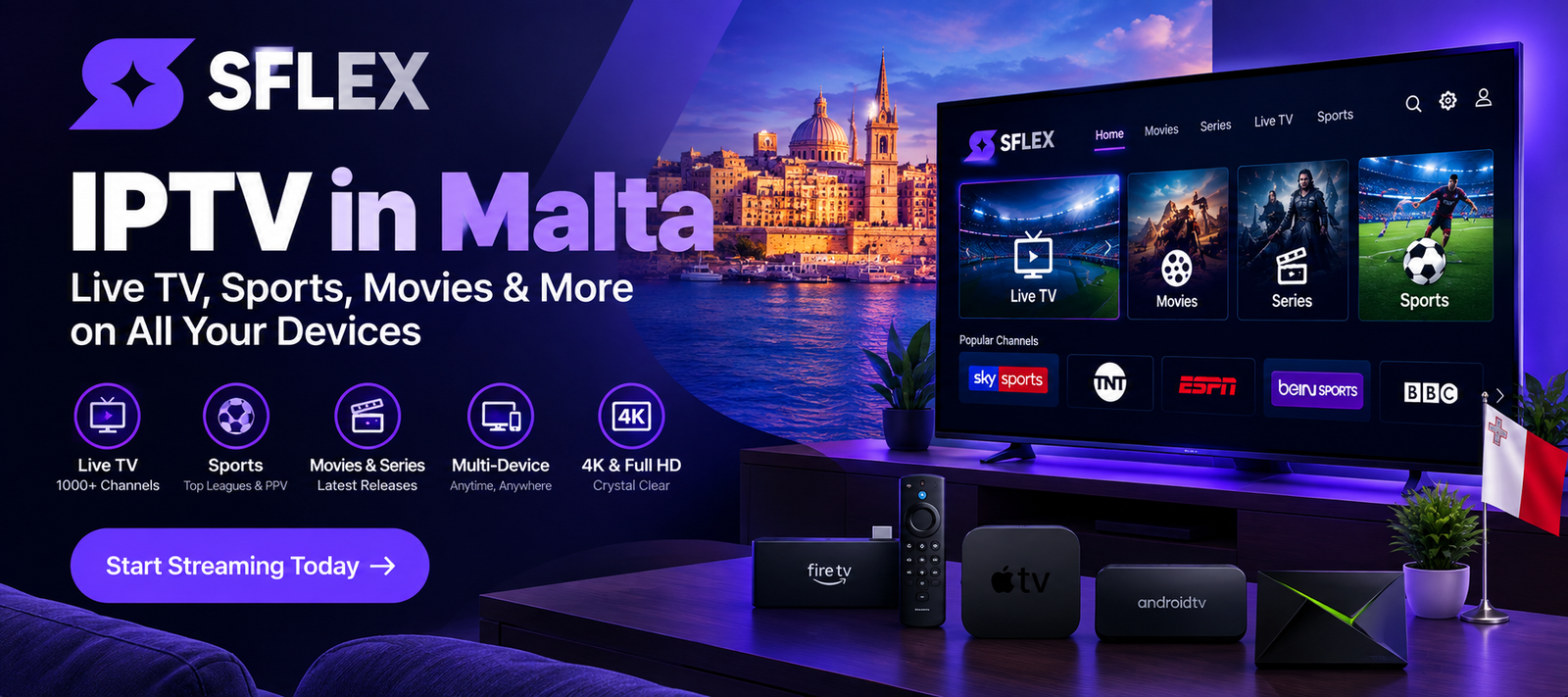
IPTV can also be used by viewers in Malta who want to access television and video content through compatible internet-connected devices.
If you’re using IPTV in Malta, the same basic principles apply: you’ll need a suitable internet connection, a compatible device and an IPTV application supported by your provider.
SmartersFlex supports a wide range of devices, making it possible to use compatible IPTV applications on Smart TVs, Fire TV devices, Android devices, Apple devices and other supported platforms.
For help getting your device ready, visit the SmartersFlex installation guides .
IPTV in Europe
IPTV is not limited to one country. Internet-based television can be accessed from many European countries when the service and content are available in the user’s location.
SmartersFlex provides access to a range of UK, US and European channels, together with international content.
When choosing an IPTV service in Europe, it is important to consider device compatibility, streaming quality, internet performance, available content and the provider’s terms of service.
To see the features and available options, visit SmartersFlex .
What Internet Speed Do You Need for IPTV?
Internet speed can have a major effect on your streaming experience. Higher-quality video generally requires more bandwidth than standard-definition content.
SmartersFlex recommends around 10 to 20 Mbps as a minimum for smooth streaming, with higher speeds recommended for 4K content or households where multiple devices are using the connection at the same time.
| Streaming Quality | General Recommendation |
|---|---|
| SD | 5 Mbps+ |
| HD | 10 Mbps+ |
| Full HD | 10–20 Mbps+ |
| 4K | 25 Mbps+ |
Keep in mind that speed is not the only factor. Wi-Fi signal strength, router performance, network congestion and the number of connected devices can also affect streaming quality.
For more information about getting your device ready, visit our IPTV installation guides .
Why Does IPTV Buffer?
IPTV buffering can happen for several reasons. A buffering problem does not automatically mean that the IPTV service itself is responsible.
Common causes include:
- Slow internet connection
- Weak Wi-Fi signal
- Network congestion
- Router problems
- Too many devices using the connection
- Device performance limitations
- Problems with the IPTV application
- Issues with the streaming source
If you’re having problems, start by checking your internet connection and restarting your router and streaming device.
SmartersFlex also provides installation and troubleshooting information through its installation guides .
Is IPTV Legal?
IPTV is a technology for delivering television and video over an IP network. The important legal question concerns the content being distributed and whether the provider has the necessary rights or licenses to distribute that content.
Consumers should therefore choose services responsibly and comply with the laws that apply in their country.
IPTV technology is used by many legitimate broadcasters and streaming platforms around the world. The technology itself should not be confused with unauthorized distribution of copyrighted content.
How to Choose an IPTV Provider
If you’re comparing IPTV services, don’t focus only on price. Consider the overall quality and features of the service.
Device Compatibility
Make sure the service supports the device you plan to use. A good IPTV service should provide clear setup instructions for popular devices.
Streaming Quality
Check whether the service supports the video quality you need, including HD, Full HD or 4K where available.
Available Content
Look at the type of channels, movies, series and other content included with the subscription.
Customer Support
Good support can make IPTV setup much easier, particularly for customers who are new to streaming applications.
Installation Help
A provider that offers clear installation instructions can save you considerable time. SmartersFlex provides step-by-step IPTV installation guides for a range of devices.
Why Choose SmartersFlex?
SmartersFlex provides an IPTV service designed for customers who want access to live television, sports, movies and series through compatible internet-connected devices.
According to the SmartersFlex website, the service offers access to more than 35,000 live channels and more than 200,000 movies and series, with HD, Full HD and 4K options available depending on the content and device.
SmartersFlex also supports a wide range of devices, including Smart TVs, Fire TV devices, Android TV, Apple devices, MAG devices, Formuler, NVIDIA Shield, smartphones, tablets and computers.
Customers can find detailed setup instructions on the SmartersFlex Installation Guides .
To learn more about the service and available subscription options, visit the official SmartersFlex website .
Ready to Learn More About IPTV?
Explore SmartersFlex and discover the available IPTV features, supported devices and installation options.
Frequently Asked Questions About IPTV
What does IPTV stand for?
IPTV stands for Internet Protocol Television. It describes the delivery of television and video content through an IP network, typically using an internet connection.
Can I watch IPTV on a Smart TV?
Yes. IPTV can be used on many compatible Smart TVs when a supported IPTV application is available. SmartersFlex provides installation information for Smart TVs and other devices.
See the SmartersFlex installation guides for more information.
Can I use IPTV in the UK?
IPTV technology can be used in the UK. The content and service you use should comply with applicable laws and licensing requirements.
SmartersFlex provides an IPTV service focused on the UK market.
Can I use IPTV in Malta?
IPTV can be accessed in Malta using compatible devices and an internet connection, subject to service availability and applicable laws.
What internet speed do I need for IPTV?
A stable internet connection is important for IPTV. SmartersFlex recommends approximately 10 to 20 Mbps as a minimum for smooth streaming, with higher speeds recommended for 4K streaming and households with multiple connected devices.
Why does my IPTV keep buffering?
Buffering can be caused by slow internet, weak Wi-Fi, network congestion, router problems, device limitations or application issues. Checking your network and device is a good first troubleshooting step.
How long does IPTV setup take?
The setup time depends on the device and application. SmartersFlex states that many users can be up and running within around 5 to 10 minutes when following the appropriate setup instructions.
Visit the installation guides for step-by-step instructions.
Final Thoughts
IPTV provides a modern way to deliver television and video content through an internet connection. With a compatible device, a suitable IPTV application and a reliable connection, viewers can enjoy internet-based television from a wide range of devices.
Whether you’re in the UK, Malta or another European country, choosing the right device, internet connection and IPTV service can make a significant difference to your viewing experience.
If you’re ready to learn more, visit SmartersFlex or check the SmartersFlex IPTV installation guides .

[…] you’re completely new to IPTV, our detailed What Is IPTV? Complete Beginner’s Guide explains how IPTV works, what devices you can use and what you need to start […]
[…] you are completely new to IPTV, our guide explaining what is IPTV is a good place to […]
[…] What Is IPTV? Complete Guide for Beginners […]